
Getting Your Source Code
Your code is yours. Here's how to get a copy — and why GitHub is optional.
A question we get a lot: "How do I get my code? Do I have to learn GitHub?" Short answer — your code is 100% yours, there are two easy ways to get a copy, and you do not need GitHub for everyday building.
You don't need GitHub to use LlamaPress. You can build, edit, and run your entire app without ever touching it. GitHub is only how you get a copy of the code for yourself — it's optional and you can set it up whenever you're ready.
Two ways to get your code
1. GitHub (recommended)
GitHub is like Google Drive, but for code — a safe place online to store and share it. It's the standard, easiest way to keep your own copy that stays in sync as you build.
- Make a free GitHub account at github.com/signup if you don't have one.
- Send us your GitHub username at support@llamapress.ai.
- We'll add you to your app's repository as an owner. You'll get an email invite from GitHub — accept it, and your code is right there to view and download anytime.
Authenticate Leo with your GitHub account
Before you can push code, you need to connect Leo to your GitHub account using these slash commands in Leo's chat interface:
-
Type
/ghin Leo's chat input field. A popup will appear where you can select GitHub and sign in to your account.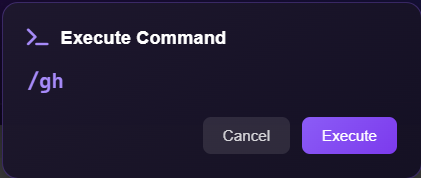
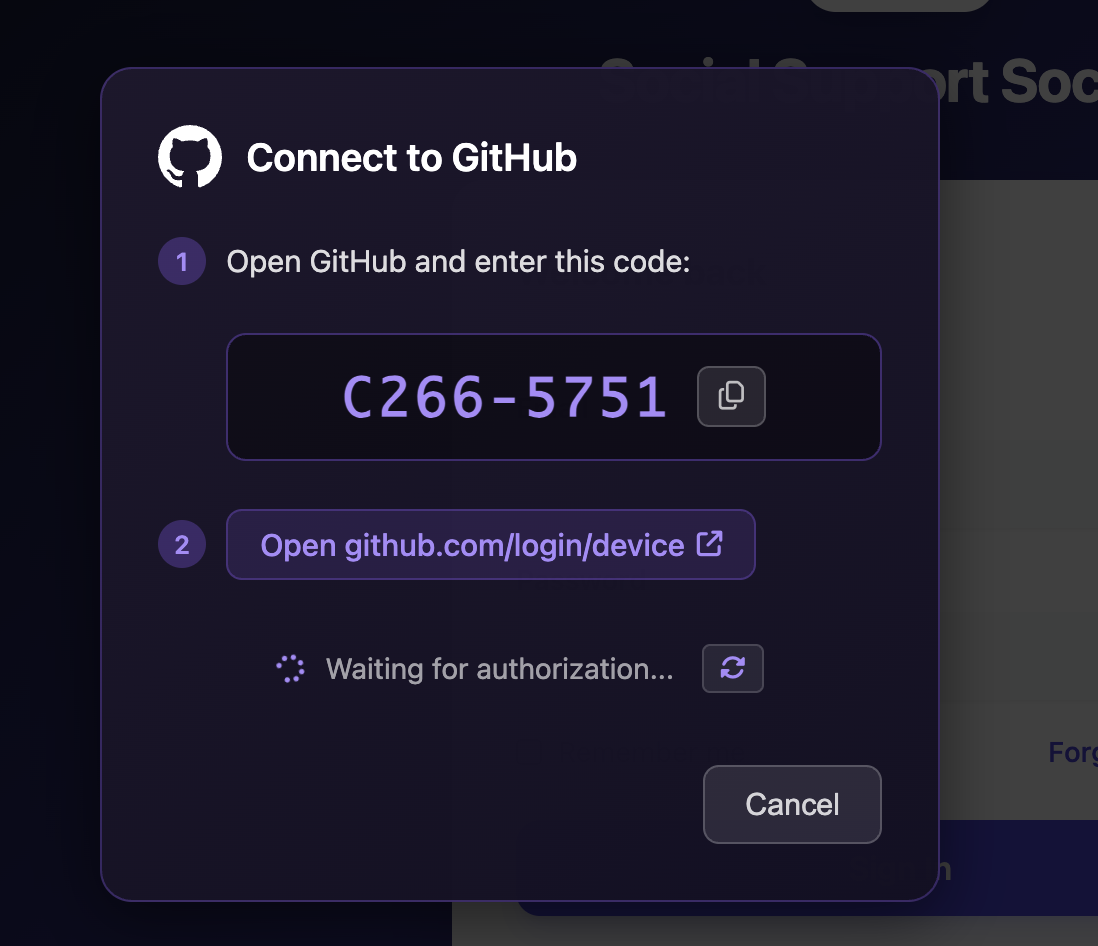
-
Run
/git-configin Leo's chat to configure your Git credentials. -
Run
/gh-copyin Leo's chat to complete the GitHub authentication.
Once that's done, the History icon (clock with red indicator) at the top of the page will be enabled. You're now ready to push your code:
Step 7
Click the History icon (clock with the red indicator) at the top of the page.

Step 8
Click the purple + button to commit your changes.
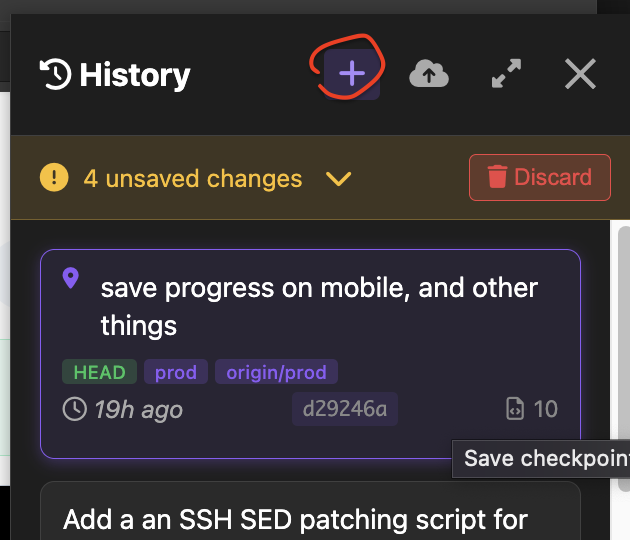
Step 9
Type a commit message describing your changes, then hit purple Save.
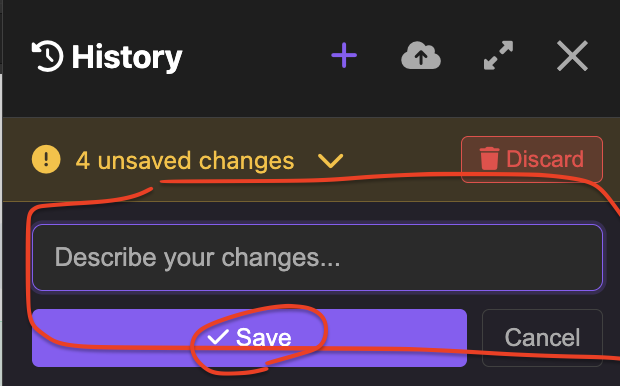
Step 10
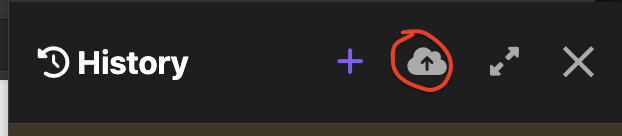
Click the upward arrow button to push your code to GitHub.
See the full History & checkpoints guide for more details.
2. Download an archive
Prefer a one-off copy? Open My Leos, click the gear
icon on your app's card, and use Prepare download under
App source code. You get a compressed archive of your Rails app.
Your .env file and other secrets are never included.
Source-code export starts on the Pro plan. On Free and Starter the button is disabled. See pricing, or email support@llamapress.ai and we'll turn it on for your workspace.
Downloading your database is different, and it stays available on every plan including free. Your data is yours. See How to Download Your App's Data.
Common gotchas
"Contact Kody to connect your GitHub." The GitHub button on your Leo needs to be enabled for your account first. Just email us and we'll switch it on.
What you get
Your export is Ruby on Rails code, with a PostgreSQL database. Curious what you can do with it, or whether you can host it yourself? See You Own Your App: Ownership, Portability, & Self Hosting.